Send Real Estate Leads to Your CRM with Zapier (Follow Up Boss, HubSpot, Podio)
Connect SmartPropLeads to Follow Up Boss, HubSpot, GoHighLevel, Podio, REsimpli or Google Sheets through Zapier, or use webhooks and the read API.
Chapters
Free to browse every county — no card.
Zapier setup guide →Transcript
0:00You already have a CRM. Your leads should land in it, without copy and paste.
0:05On Pro and Elite, open Settings, then Integrations. There are three ways to connect. Zapier, webhooks, and a read-only API.
0:15Zapier is the easy one. Start from a ready-made recipe. HubSpot, Podio, REsimpli, GoHighLevel, Follow Up Boss, or a Google Sheet. Most people start with: new skip-traced lead creates a contact.
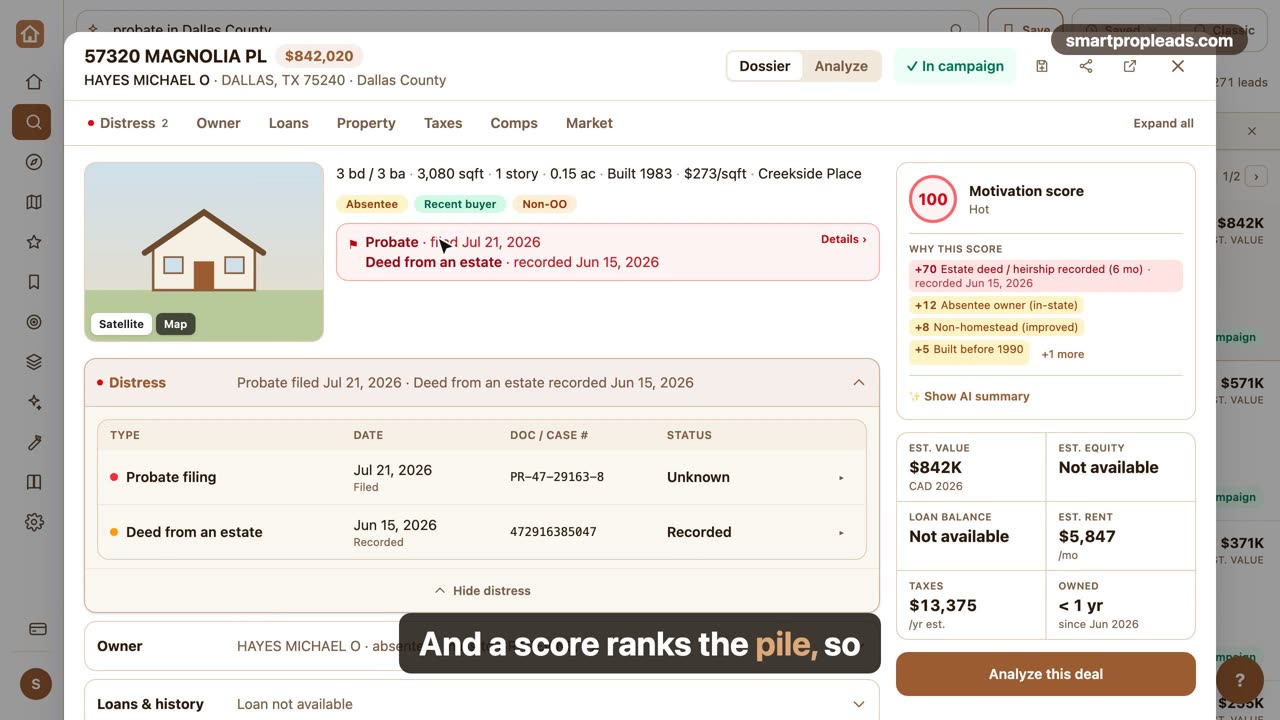
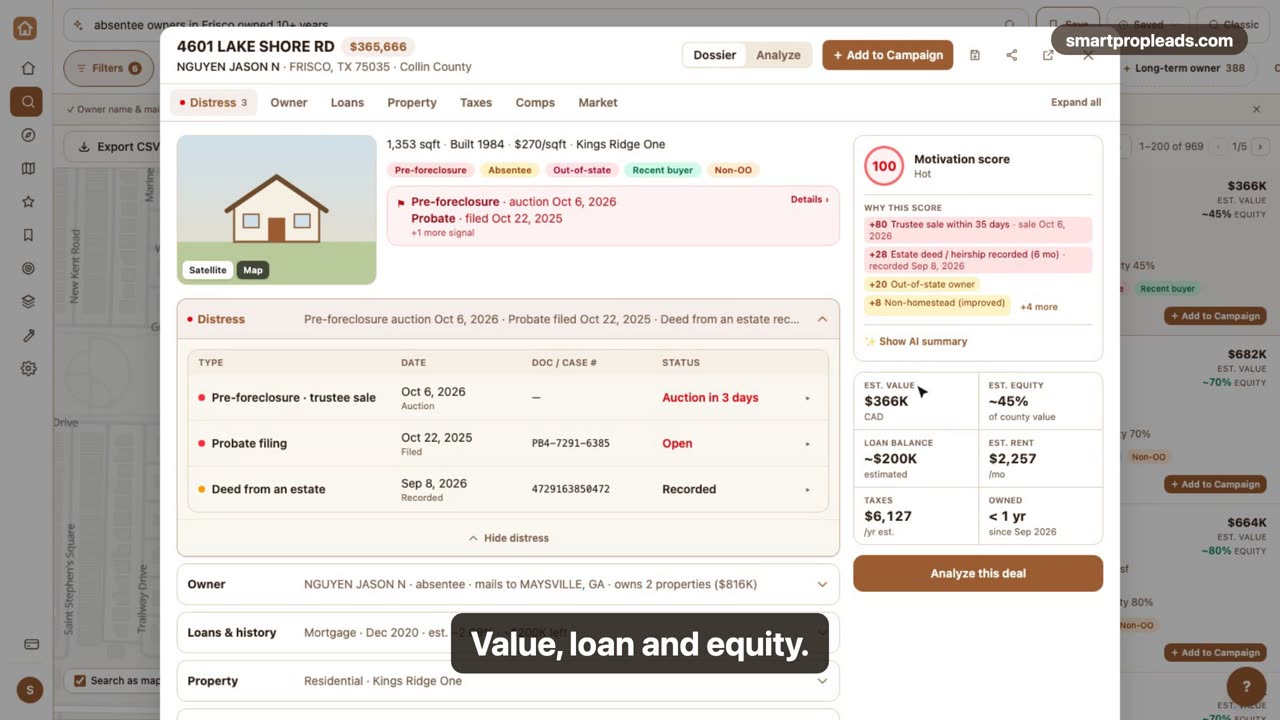
0:32These are the events you can send. A new skip-traced lead, with phones, emails and Do-Not-Call flags. A lead turning Hot at the weekly rescore. A deal changing stage, or closing. A postcard campaign being mailed. Each one carries the address, owner, score and lead types.
0:54If you use Make, n8n or your own server, add a webhook endpoint. Paste an https URL and pick the events. Every delivery is signed, logged, and retried for about nine hours if your server is down.
1:10And to pull data yourself, create a read-only API key. Your lists, farms, saved searches, leads, deals and orders. The docs are linked right there.
1:22Integrations come with Pro and Elite, at no extra charge.
Narrated by an AI voice. Names and addresses on screen are changed for privacy.